Previous order
Send an order number if available
Use a HUINA order number, invoice, email thread, or saved design ID if the team has one.
Re-Order
Send the previous order number, old proof, saved design ID, roster updates, or reference photos. HUINA reviews every change before production; an old file does not approve the new order automatically.

Reference check
Previous files are useful because they give HUINA something concrete to compare. The updated roster, package, craft method, and proof notes still need review before production.
Previous order
Use a HUINA order number, invoice, email thread, or saved design ID if the team has one.
Old proof
Old front/back proof, logo files, roster sheet, or product photos help HUINA compare details.
Reference image
When no old order exists, send reference images that show color, placement, numbers, and craft direction.
Updated roster
Confirm new names, numbers, sizes, captain marks, replacement pieces, quantity, and package.
HUINA review
A HUINA employee compares the previous order, old proof, or reference image against the new details before production.
Proof confirmation
Production should start only after the proof, roster, craft, package, and updated notes are confirmed.
Common re-order requests
The fastest review starts with clear photos or files. These paths are not automatic production approval; they simply give HUINA the evidence needed to compare the old and new request.

Front, back, collar, striping, name bars, numbers, and craft direction.
Upload jersey reference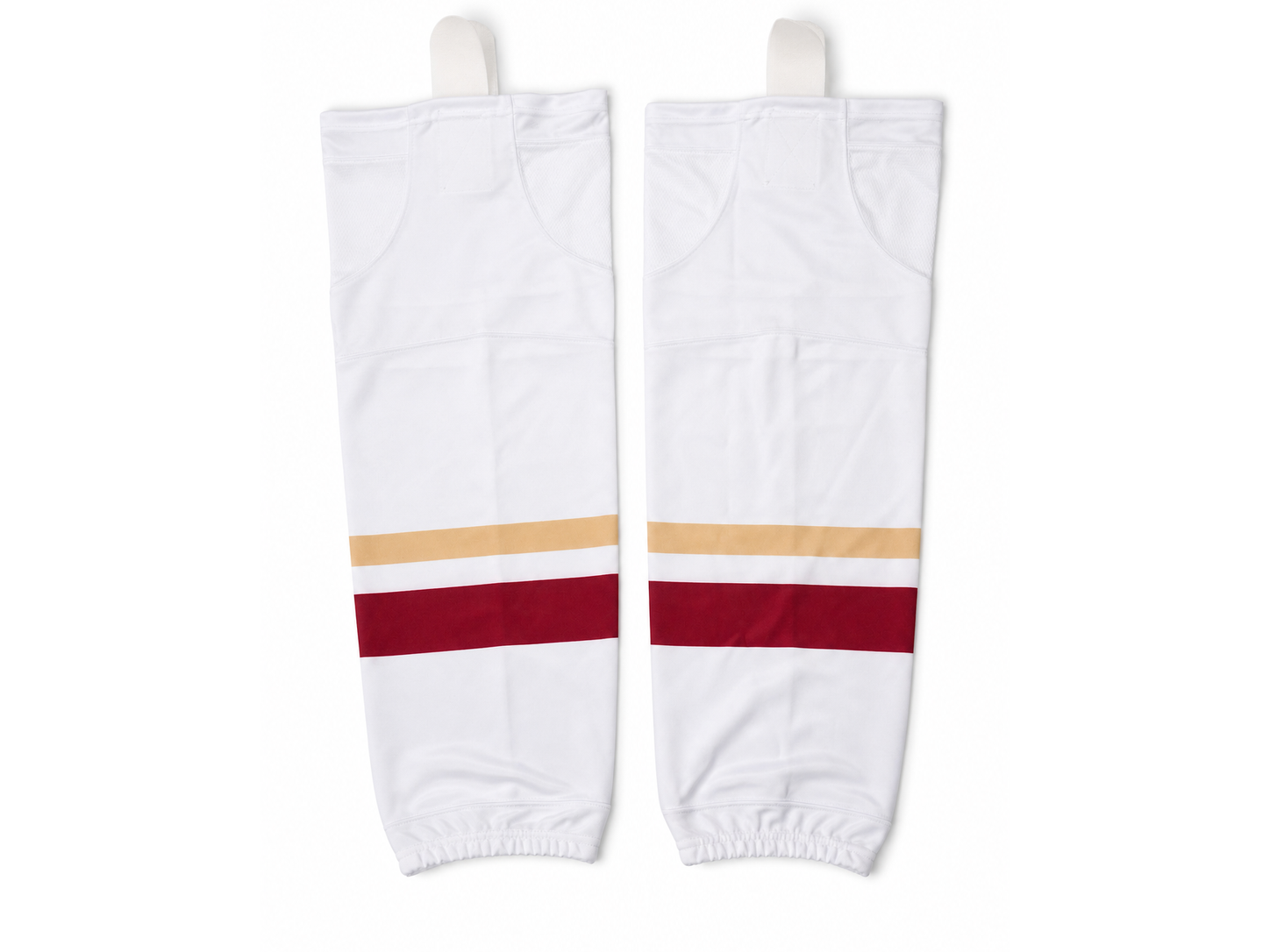
Color, size group, stripe match, and quantity updates for team sets.
Send sock files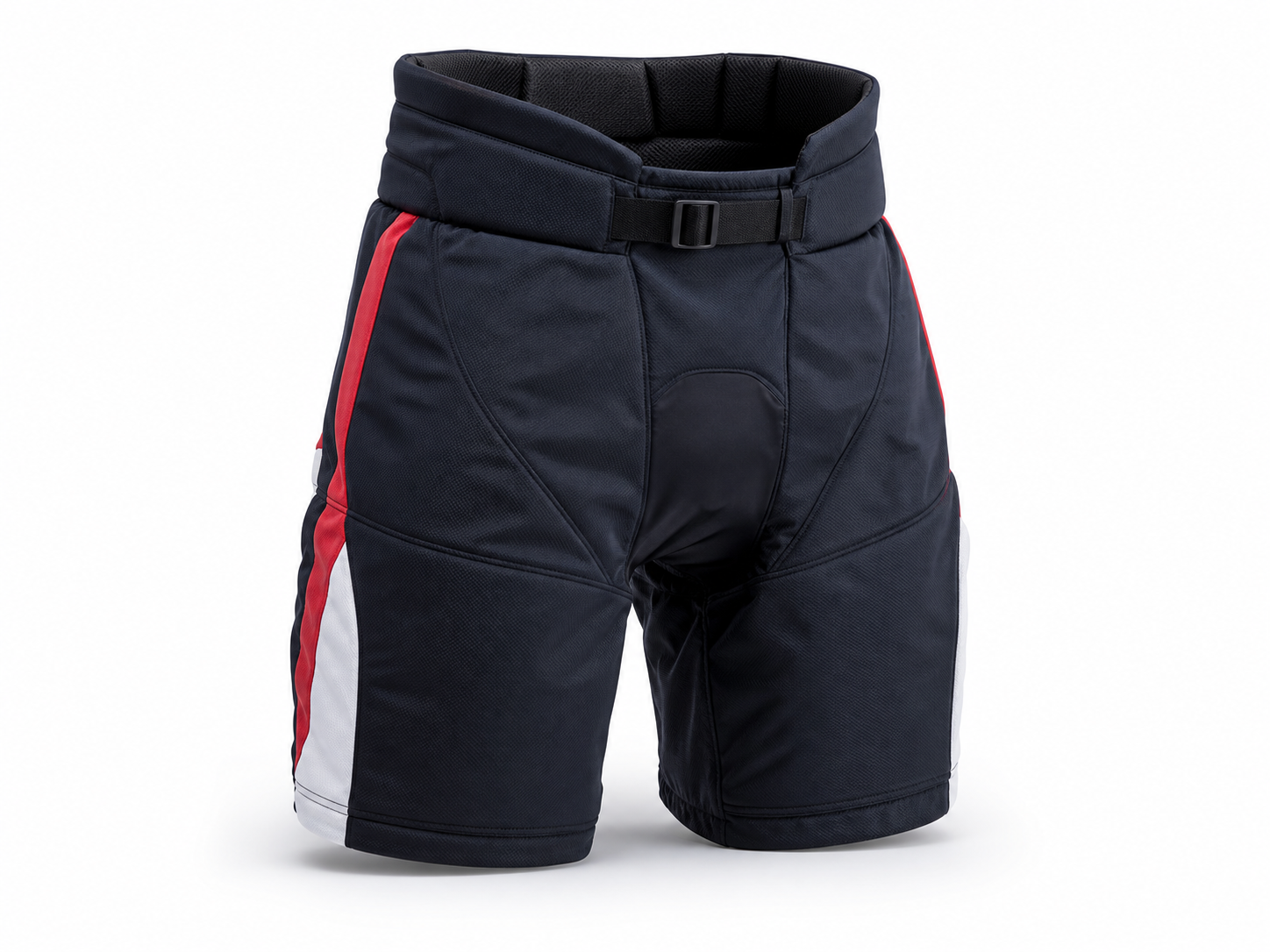
Package additions, color matching, logo placement, and replacement notes.
Submit details
Names, numbers, sizes, captain marks, goalie notes, and replacement pieces.
Upload roster evidenceWhat to send
The old order gives HUINA a reference. The new player list and any visible change need to be separated from it.